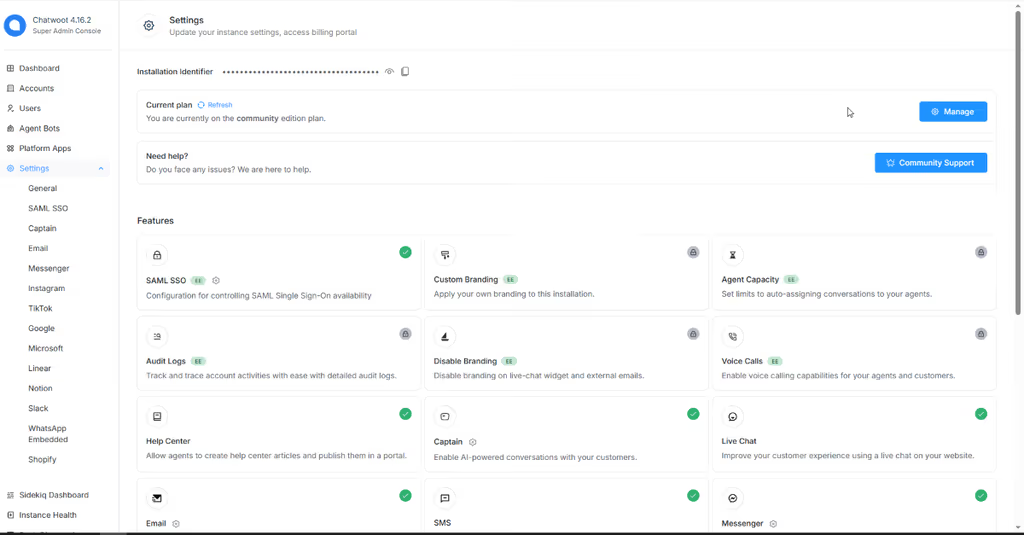
Chatwoot is an open-source customer support platform — live chat, shared inboxes, and omnichannel messaging you can self-host instead of renting a closed SaaS inbox. I follow it when a team wants Intercom-style agent workflows (web widget, email, WhatsApp and other channels, labels, automation, reports) while keeping conversations and contact data on infrastructure they control. The official developer docs describe a modern stack: Ruby on Rails backend, Vue.js frontend, PostgreSQL, plus Application / Platform / Client REST APIs and webhooks for custom integrations. Self-host options include Docker, Kubernetes, Linux VMs, and major cloud providers. That combination — real product surface for agents, plus a documented API surface for developers — is why I keep it on my shortlist for support tooling.
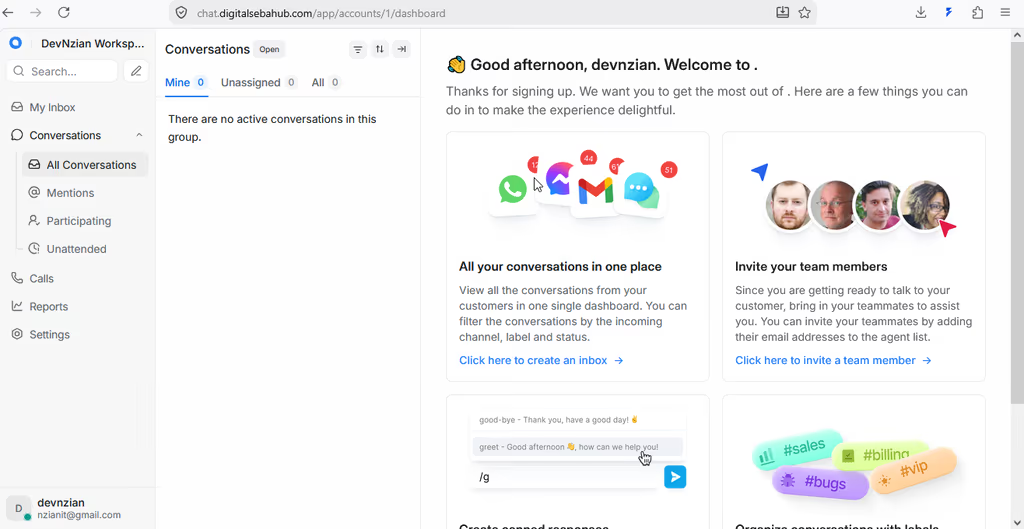
What I like most about Chatwoot
I come back to Chatwoot when the goal is a full support desk, not a thin site widget. The user guide and developer docs make the product surface clear: conversations, contacts, teams, channels, automation, and reporting — with self-host or Chatwoot Cloud as deployment choices.
1. Omnichannel shared inbox
One agent workspace across website live chat, email, WhatsApp, Facebook, Instagram, Telegram, SMS, API inboxes, and more.
Why it matters: Support teams stop juggling separate tools per channel. Routing, labels, and assignment stay in one place.
2. Website live chat that is easy to embed
Official guides cover installs via Google Tag Manager, WordPress, Next.js, Vue, React Native, Webflow, and more — plus SDK hooks for identity and extra user attributes.
Why it matters: You can put a real inbox behind the widget without building a custom chat UI first.
3. Agent workflows that feel production-ready
Teams, roles, canned responses, custom attributes, priorities, business hours, auto-responders, CSAT surveys, macros, conversation filters, and agent capacity policies.
Why it matters: Day-to-day ops (who owns the chat, what gets auto-tagged, how quality is measured) are first-class — not afterthoughts.
4. Automation, campaigns, and AI-assisted actions
Automation rules, campaigns, interactive messages, agent bots, and AI actions (as covered in Chatwoot 101 / advanced features).
Why it matters: Repetitive triage and follow-ups can move off the human queue without leaving the same product.
5. APIs and webhooks for real integrations
Application, Platform, and Client APIs plus Swagger-documented endpoints for accounts, agents, conversations, contacts, labels, automation rules, and more.
Why it matters: I can wire Chatwoot into a Laravel app, CRM, or custom agent tool without scraping the UI.
6. Self-hosting with a clear ops model
Production needs web servers, background workers, PostgreSQL, Redis, email (SMTP / provider), and object storage — documented in the architecture / deployment guide. Docker and Kubernetes paths are first-class.
Why it matters: Privacy and cost control are real options, as long as you accept Rails-style ops (migrations, workers, upgrades).
TIP
Start with Docker if you want to evaluate agent UX quickly; plan PostgreSQL backups, Redis, and object storage before you put real customers on it.
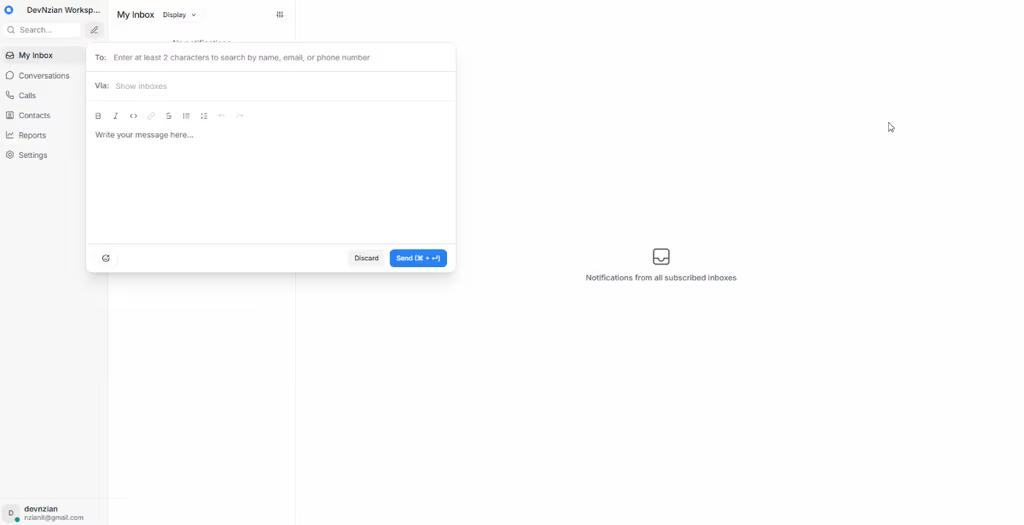
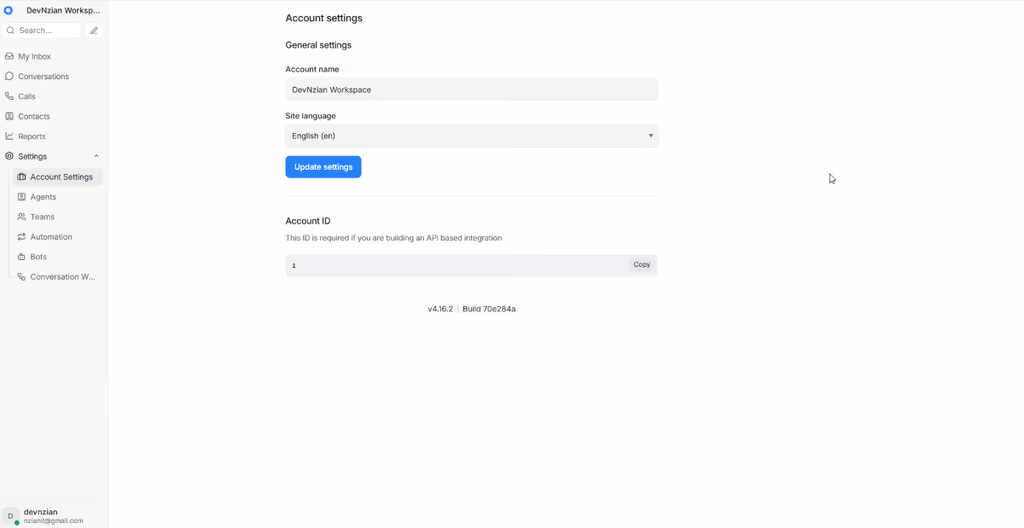
Project structure
Chatwoot is a Ruby on Rails + Vue product with a classic production split: request-serving web processes and Sidekiq-style workers, backed by PostgreSQL and Redis.
Production services (from official architecture docs):
| Service | Role |
|---|---|
| Chatwoot web | HTTP app / dashboard / APIs |
| Chatwoot workers | Background jobs (mail, channel sync, automations, etc.) |
| PostgreSQL | Primary data store |
| Redis | Cache, jobs, realtime coordination |
| Email (SMTP / provider) | Transactional and channel email |
| Object storage (S3-compatible, etc.) | Attachments and media |
How I mentally map the product:
- Inboxes / channels — where conversations enter (website, WhatsApp, email, …)
- Conversations + messages — the core support thread model
- Contacts — customer identity, attributes, merge/search
- Agents / teams / roles — who can see and act on which inboxes
- Automation / bots / macros — rules and assistants on top of conversations
- Reports / CSAT — operational metrics
API surface (high level):
- Application APIs — day-to-day account work (agents, conversations, contacts)
- Platform APIs — installation-level administration
- Client APIs — custom chat interfaces
- Docs are maintained as Swagger 2.0 under
swagger/and built viarake swagger:build(API documentation guide)
# Typical self-host mental model
web  --------→  PostgreSQL
  |                 ↑
workers  ←—— Redis ——┘
  |
  +----→ SMTP / object storage / channel providers
Code analysis
Stack (as documented by Chatwoot):
| Layer | Technology | Notes |
|---|---|---|
| Backend | Ruby on Rails | Mature MVC + jobs ecosystem |
| Frontend | Vue.js | Agent dashboard SPA |
| Database | PostgreSQL | Required for production |
| Cache / jobs | Redis | Required alongside Postgres |
| APIs | REST (Swagger 2.0) | Application / Platform / Client |
| Realtime | WebSockets (product features) | Typing, live updates in the product surface |
| Deploy | Docker, Kubernetes, Linux VM, cloud guides | Monthly release cadence called out in docs |
Strengths I care about when evaluating it:
- Product completeness — inbox + channels + automation + reports is a real support desk, not a demo widget
- Integration-friendly — REST APIs and webhooks are documented for custom work
- Self-host path is explicit — architecture lists the services you must run; upgrades and
rails db:migrateare part of the ops story - Channel breadth — website chat plus WhatsApp/email/social covers most SMB support stacks I see
Trade-offs / caveats:
- Ops cost is real: web + workers + Postgres + Redis + email + object storage is more than “drop a PHP script on shared hosting”
- Channel features (especially WhatsApp / Meta) depend on provider setup and policy changes outside Chatwoot
- It is a Rails/Vue codebase — my day-to-day is Laravel/PHP, so deep core customization is a different skillset than wiring APIs and deploying the stack
- Cloud vs self-host is a product decision; self-host wins on data control, not on zero maintenance
Integration sketch (Laravel side — illustrative):
// config/services.php — keep Chatwoot secrets in env
return [
    'chatwoot' => [
        'base_url' => env('CHATWOOT_BASE_URL'), // https://support.example.com
        'api_token' => env('CHATWOOT_API_TOKEN'),
        'account_id' => env('CHATWOOT_ACCOUNT_ID'),
        'timeout' => 10,
    ],
];
Why people use it
| Audience | Why Chatwoot fits |
|---|---|
| Privacy-conscious teams | Customer conversations stay on your servers |
| SMBs replacing Intercom/Zendesk Lite | Shared inbox + widget + channels without per-seat sticker shock (ops still costs time) |
| Product teams with a Laravel/PHP site | Embed the widget; automate via REST from your app |
| Agencies evaluating support stacks | One product to demo multi-channel agent workflows |
| Developers building custom agent tools | Application / Client APIs instead of scraping the UI |
People usually should not pick Chatwoot if they only need a one-line “contact us” form, have no appetite for Postgres/Redis ops, or need a pure PHP monolith with no external services.
Conclusion
Chatwoot is one of the strongest open-source answers to “can we own our support inbox?” — multi-channel by design, with agent UX and APIs that are documented enough to evaluate seriously (intro, user guide, API docs).
Honest caveat: the product quality is high, but self-hosting means owning a small Rails platform (workers, migrations, channel credentials). I treat that as a deliberate trade for data control — not as “free Intercom with zero ops.”