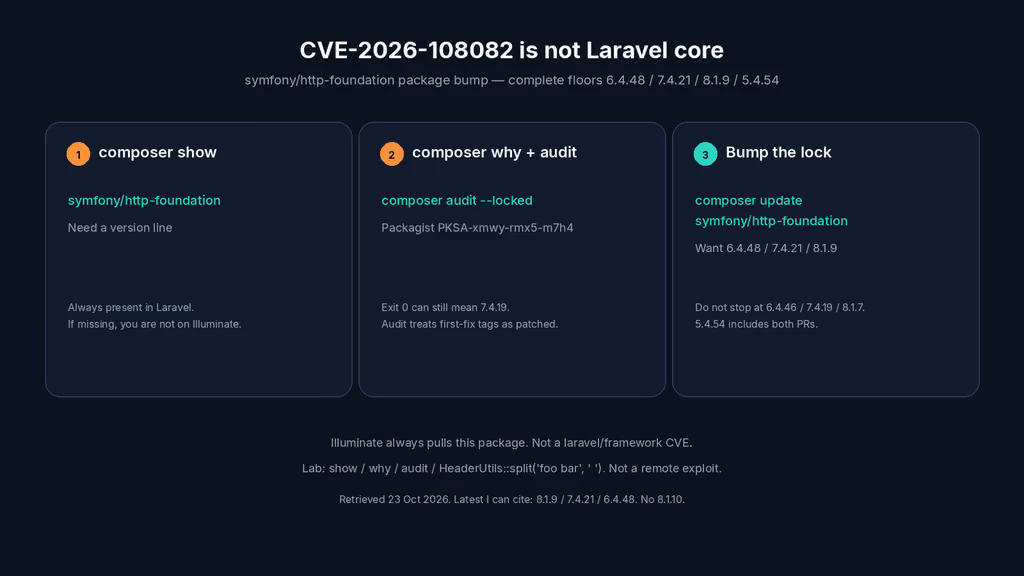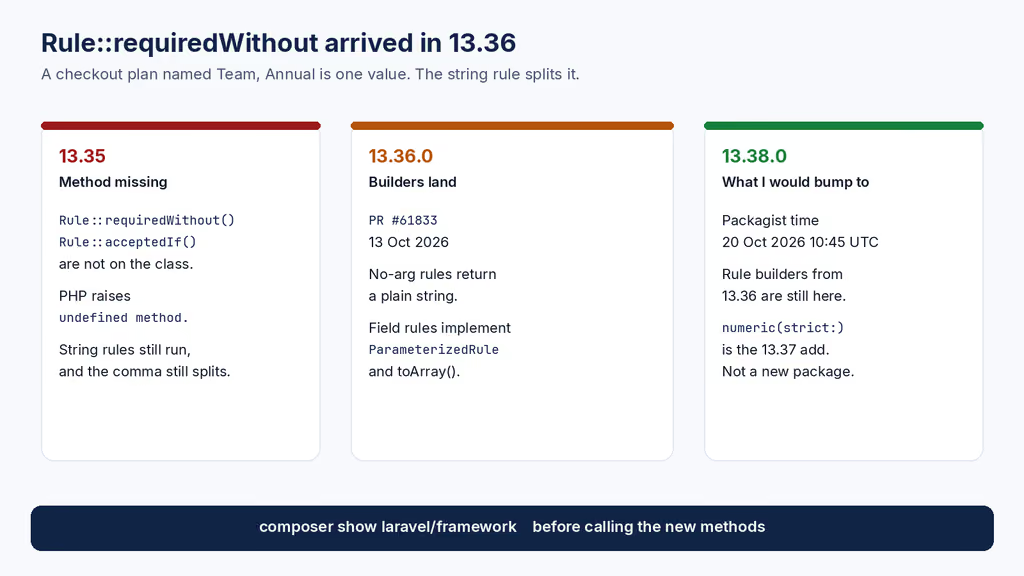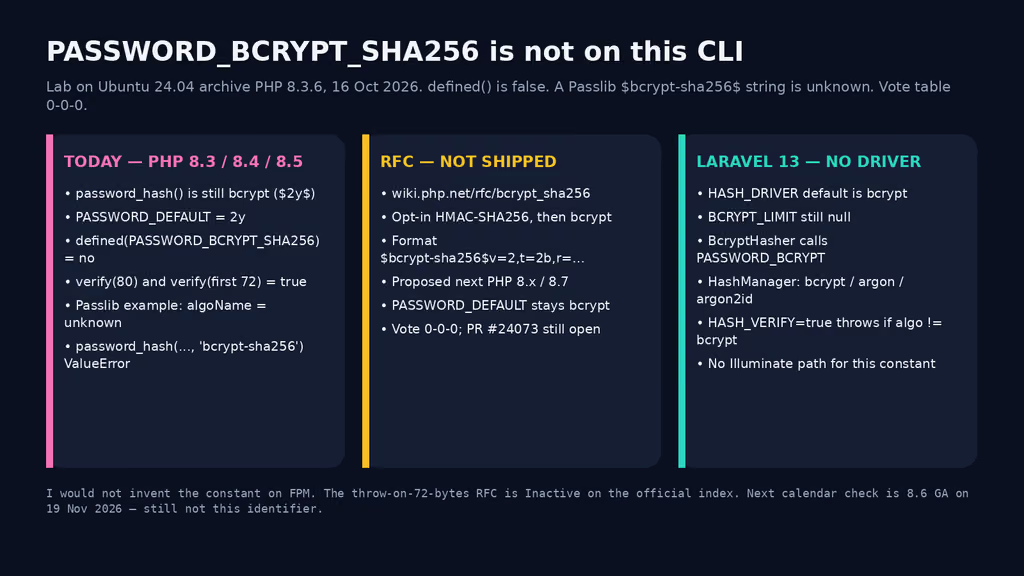
Caption: Building the nzian.xyz blog with PHP, Markdown, and a file-based content store.
Welcome to the new blog on nzian.xyz. This first post explains why it exists, how it's built, and what kind of writing you can expect here.
Why a blog (and why now)
I've been freelancing on Laravel + Vue + WordPress projects for years. Most of what I learn ends up in scattered notes, Slack DMs, and chat threads with AI assistants. A blog is the obvious place to consolidate.
Three goals:
- Write things down once. If I solve a tricky bug, the writeup helps the next person who hits it (often: future me).
- Show how I work — including how I lean on AI tools and platforms as part of my workflow (more on that on /my-team).
- Pull better clients. SEO + concrete writeups beat a generic portfolio.
How this blog is built
The whole site is static HTML served by Caddy. I didn't want to bolt on WordPress or a JS framework just for a blog. So I went minimal:
- Posts live in Markdown files with YAML front-matter, stored in the repo at
blog-content/posts/(blocked from direct web access; rendered only via/blog/index.php). On production,NZIAN_BLOG_DIRcan point to/var/lib/nzian-bloginstead. - A small PHP entry point (
/blog/index.php) parses front-matter, renders Markdown to HTML usingleague/commonmark, and writes the result to a server-side cache file. - Subsequent requests serve the cached HTML directly. Editing the source
.mdinvalidates the cache automatically (mtime check). - Tailwind handles styling. The
proseplugin makes Markdown look good with no extra CSS.
// pseudocode
$post = $blog->getPost($slug);
echo $cache->getOrRender($post, fn() => $renderer->render($post));
What you'll find here
- Build journals — real problems I'm solving on client projects, with code.
- Tooling notes — what works, what didn't, why I switched.
- Career posts — the freelancing-from-Bangladesh angle.
If a topic helps you, subscribe to the newsletter and I'll send the next one.
What do you want next — another self-hosting lab log, a Laravel install that actually broke, or PHP-version notes? Tell me in the comments. I read them.
Thanks for reading.